
{{ getFeatureName(action_mode) }} your image

Drop your image here.
Our popular AI tools
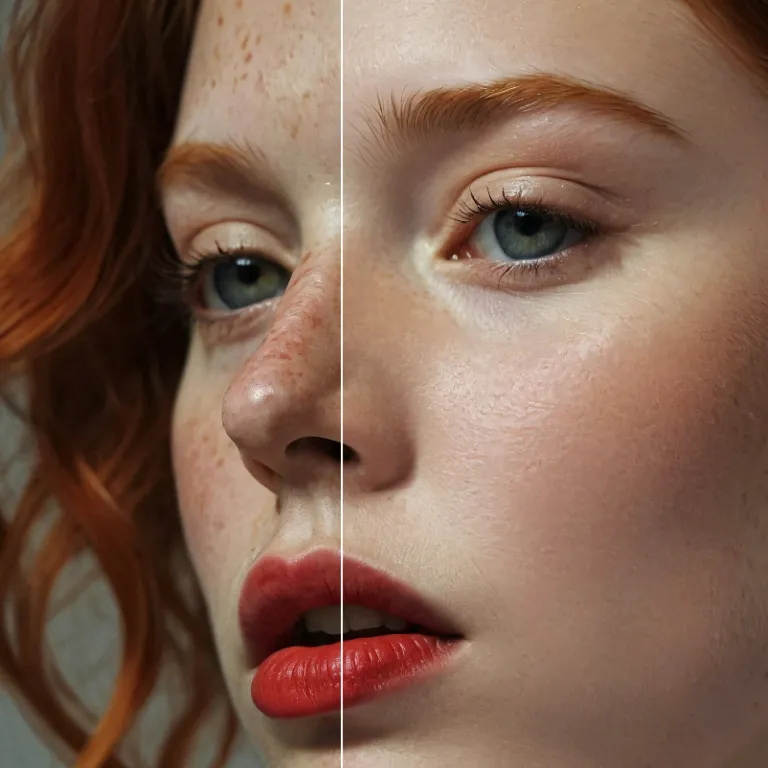
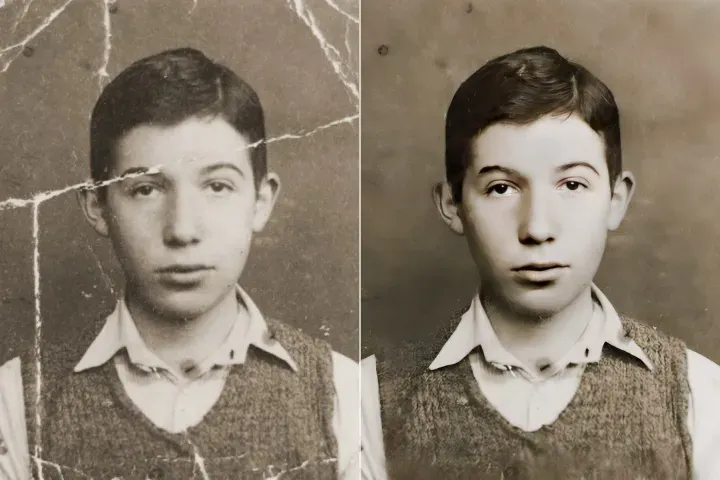
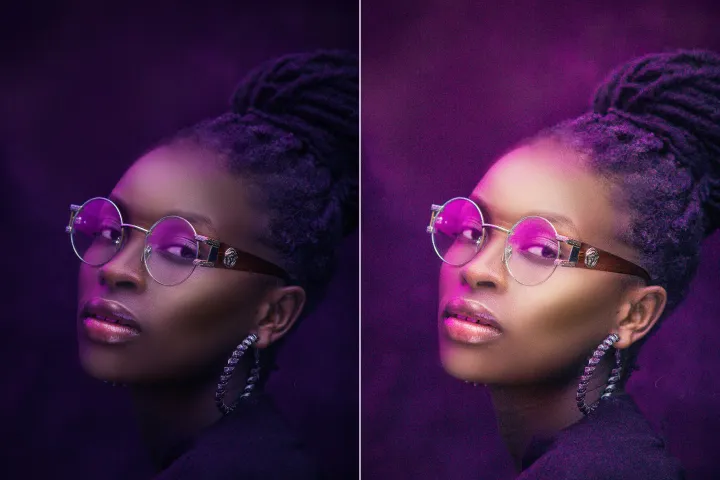
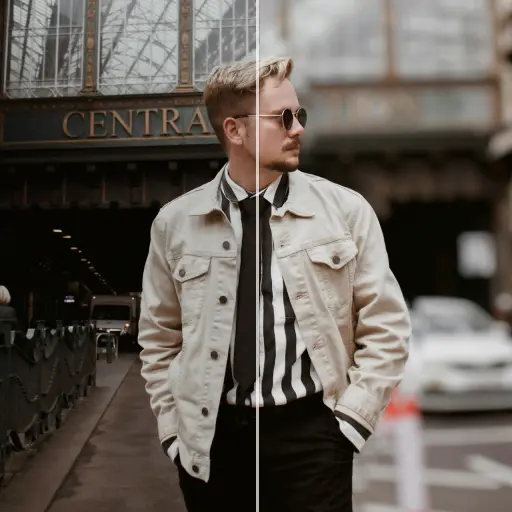
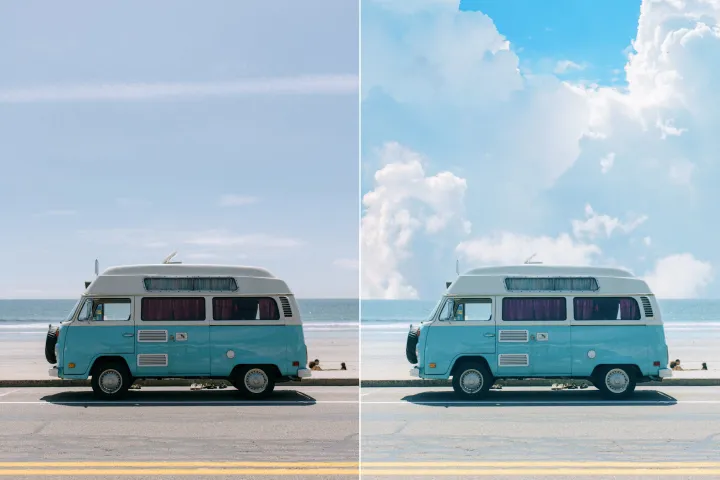
Enhance Photo
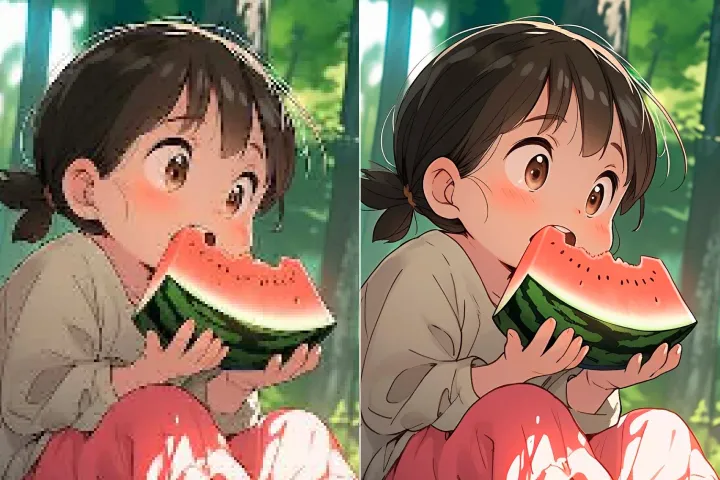
Automatically enhance the blurry photo's resolution and increase the overall quality.
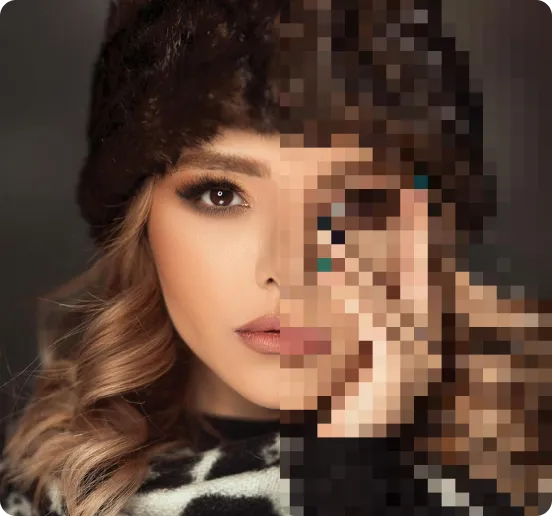
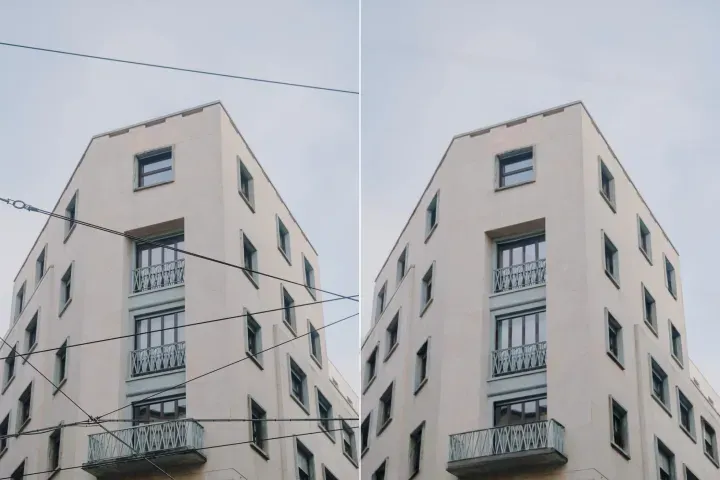
Remove Objects
AIPhotor's One-Touch AI simply detects and removes unwanted details in your picture.
Remove Background
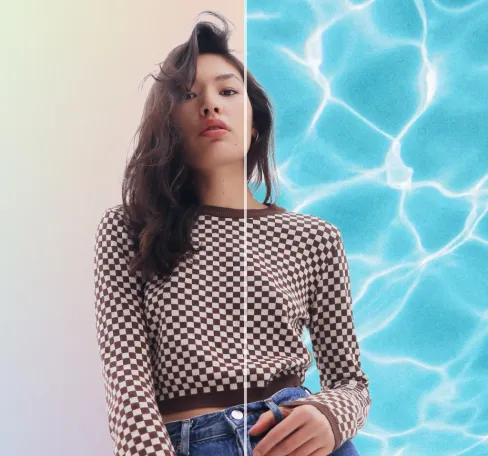
Seamlessly remove background from photos. Edit background with 100+ well-designed templates.

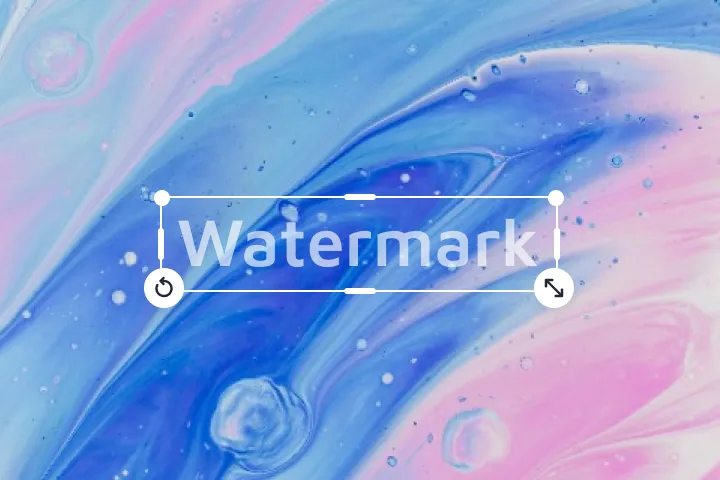
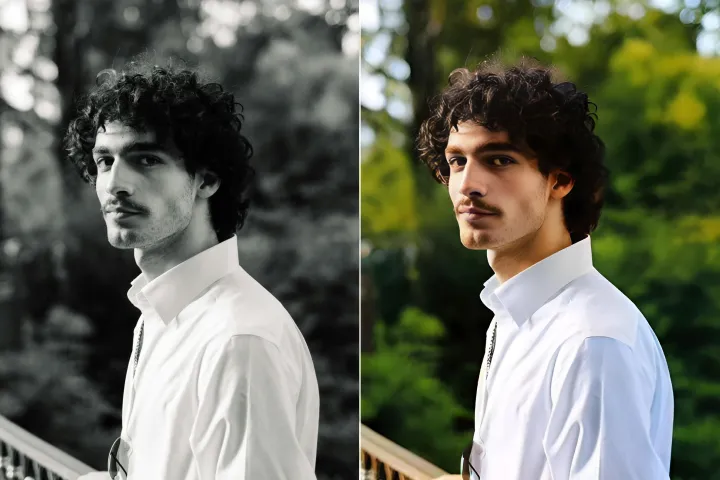
ลบข้อความ
จากภาพ
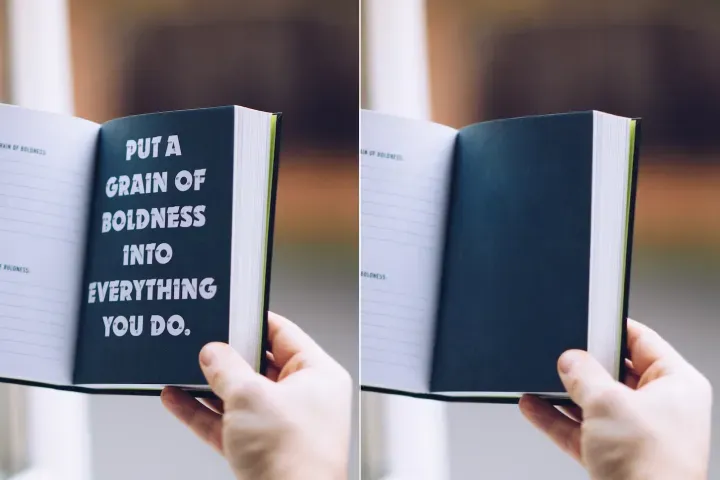
ลบข้อความออกจากภาพโดยไม่ทำให้พื้นหลังบิดเบี้ยว ด้วยตัวลบข้อความด้วย AI ที่ปรับขนาดได้ของ AIPhotor-ออกแบบมาสำหรับ PDFs ขนาดใหญ่และเวิร์กโฟลว์เอกสารที่มีปริมาณมาก
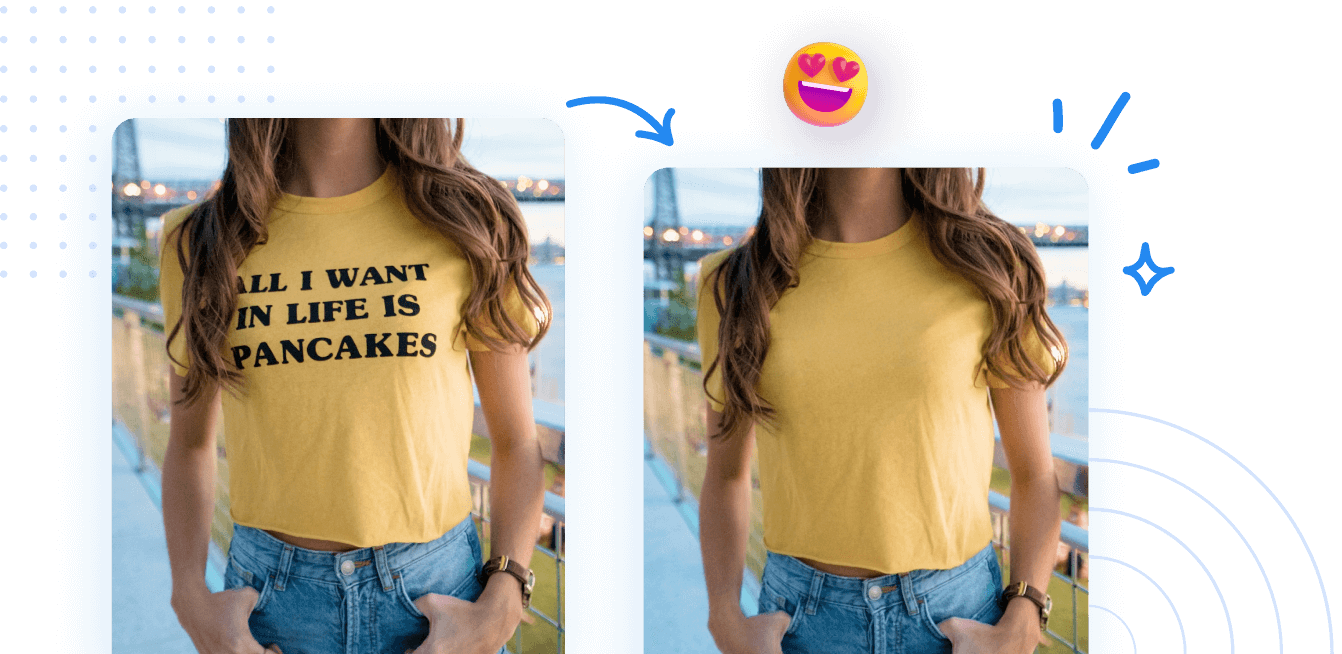
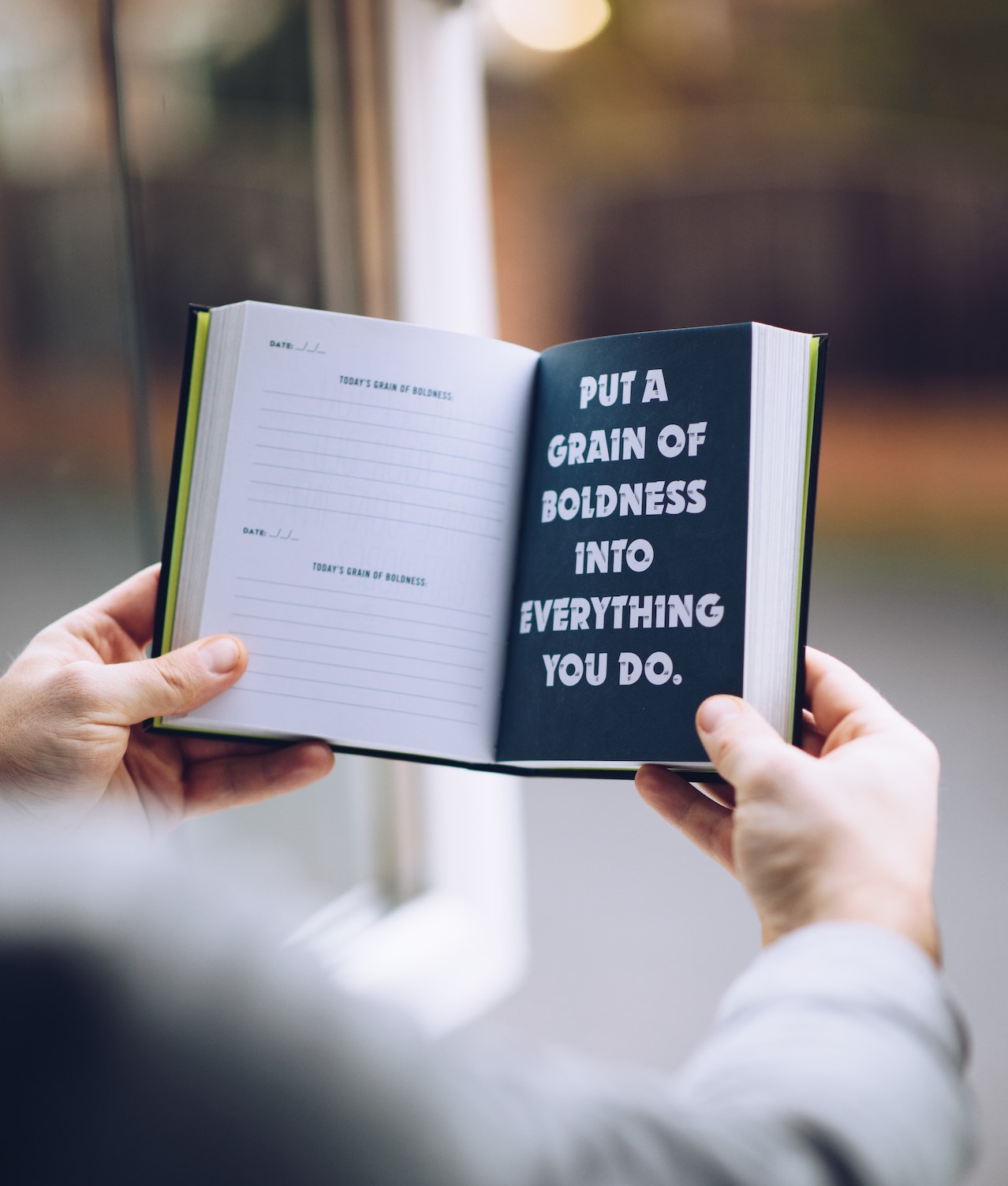

วิธีลบข้อความออกจากรูปภาพ?
1 อัปโหลดรูปภาพ

2 รอให้ AI ประมวลผล

3 ลบและเปรียบเทียบผลลัพธ์.
4 แก้ไขและดาวน์โหลด.
ลบข้อความออกจากภาพออนไลน์ได้อย่างง่ายดายด้วยเครื่องมือที่ขับเคลื่อนด้วย AI AIPhotor
ลบข้อความโดยไม่ลบพื้นหลังของภาพ
AIPhotor รักษาพื้นหลังและการจัดวางเอกสารต้นฉบับ ในขณะลบข้อความ เพื่อรักษาความถูกต้องและคุณภาพในระดับใหญ่

AI ที่ผ่านการฝึกฝนเฉพาะทางสำหรับการลบข้อความ
AI ของเรา ตรวจจับและลบข้อความได้อย่างแม่นยำใน PDFs ขนาดใหญ่ รวมถึงบันทึกที่เขียนด้วยลายมือและข้อคิดเห็น ในขณะเดียวกันก็รักษาความสมบูรณ์ของเอกสาร

remove_text_sub_compare_3_title
remove_text_sub_compare_3_description


Free to Try
AIPhotor is free to try for 3 days, after which you can subscribe to one of our incredible value plans.

Free to Try
We automatically sharpen and transform your images with AI to create multiple final looks. But you can also adjust and add a prompt to customize the results. Choose what works best for you!

Quick & Easy
Screen, edit, resize and download your photos lightning fast.

Compatible with all devices
AIPhotor is available on the iOS and Android stores. Our app works seamlessly across mobile, desktop, and tablet devices.
Frequently Asked Questions
-
What is AIPhotor Photo Editor?

 AIPhotor is a visual online photo editing website that leverages AI technology to help automatically remove objects/people from images; retouch, enhance, colorize, correct, cartoonize, and animate photos in a snap, replacing other photo editing tools Photoshop, Pixlr editor, or Photopea.
Or just drag & drop image here, upto 50 images at once
Or just drag & drop image here, upto 50 images at once
Frequently Asked Questions
-
What is AIPhotor Photo Editor?
AIPhotor is a visual online photo editing website that leverages AI technology to help automatically remove objects/people from images; retouch, enhance, colorize, correct, cartoonize, and animate photos in a snap, replacing other photo editing tools Photoshop, Pixlr editor, or Photopea.