Organize PDF
Sort, add, and delete PDF pages at scale. Drag-and-drop page thumbnails to organize PDFs quickly in our scalable PDF organizer.
Select PDF files

or drop PDF here
Consolidate all pages from your PDFs into a single, scalable document. Sorting is effortless with our enterprise-grade PDF organizer - no watermarks, no limits.
-
Easily organize pages in PDF files.
-
No installation required. Access is fast, scalable, and designed for high-volume workloads.
-
Drag and drop PDF pages with ease to accelerate large-scale workflows.
Leading Online Solution for Large-Scale PDF Page Organization
Our PDF page organizer delivers enterprise-grade page management at scale: sort, add, or delete pages with precision. Upload, drag and drop to rearrange, and optimize your document in real time. Expect a consistently polished, production-ready PDF every time.
Flexible Organize PDF
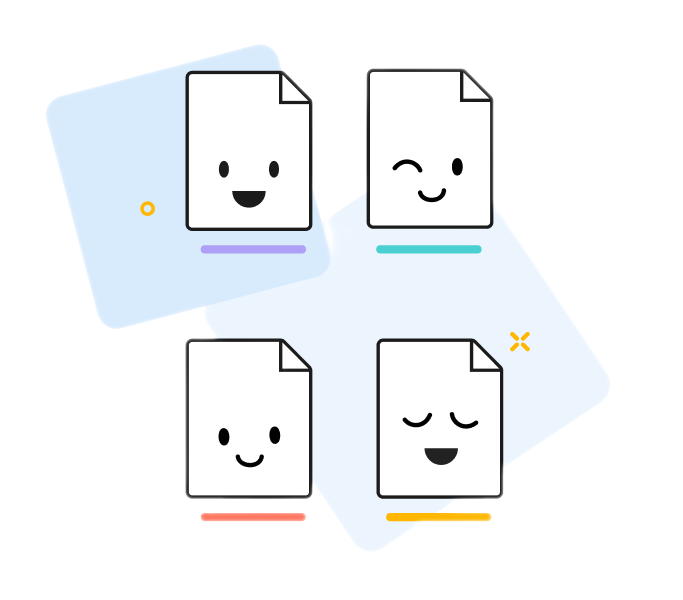
Each file you upload is assigned a unique color for rapid page-position tracking. Our platform delivers fast, scalable organization with high-fidelity output that mirrors your original PDF.
How Does Organize PDF Work?
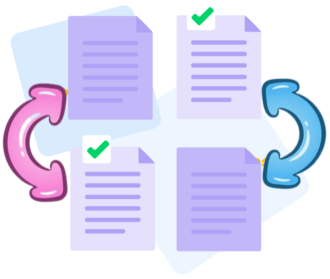
No installation required. Upload, then drag, drop, add, or remove pages at scale. Organize PDFs with speed, reliability, and streamlined workflows, anywhere, anytime.
Organize multiple files at once
Process large workloads by uploading multiple PDFs concurrently and reorganizing pages across all files. Sort by page number or blend pages from different documents with seamless drag-and-drop precision, at scale.

Big PDF Capabilities: Powerful online tool to organize pages in PDFs at scale
Our PDF Organize tool enables bulk uploads and precise sequencing of multiple PDFs, delivering a single, well-structured file with enterprise-grade integrity and Big PDF Capabilities.
Organize your PDFs securely online
Every PDF is protected by end-to-end TLS, with automated lifecycle deletion after processing. Your data remains private, compliant, and secure at scale.
Runs across Windows, Mac, Linux, and Mobile-delivering consistent performance at scale
PDFBig runs directly in your browser across any device-Mac, Windows, Linux, or mobile. Reordering PDF pages is fast, reliable, and effortless, enabling high-performance workflows from anywhere.
Organize PDFs easily
Quickly drag and drop pages to reorder at scale. Add or remove pages on the fly, or shift entire PDFs up or down to optimize sequence for high-throughput workflows.
Organize PDFs Reliably
Big PDF Capabilities, without the software burden: PDFBig delivers scalable online capabilities with enterprise-grade security, including TLS encryption, to safeguard data at scale.
Cloud - based processing
Cloud-First, Big PDF Capabilities: All organizing tasks run in a scalable cloud environment, preserving local resources while delivering high-throughput performance. Reach the tool from anywhere with internet access, secure, instant, and reliable at scale.
Frequently Asked Questions
Yes. The Organize PDF capability is engineered for scale and performance, free to use online. Organize PDF pages with enterprise-grade speed and precision, without registration, watermarks, or software installation. Built to handle large, complex PDFs and high-volume workflows with reliability at scale.
Reorder, delete, rotate, and rearrange pages with precision and speed-even in large, complex PDFs. This tool empowers scalable, performance-driven document structuring, delivering the exact layout you need at enterprise scale.
Yes. Your files are protected with enterprise-grade security during upload and processing. HTTPS encryption, robust access controls, and automated, timely deletion of uploaded PDFs ensure privacy and data security at scale.

How to Activate Big PDF Capabilities: Organize Pages in PDF Files Online:
A scalable, step-by-step guide to organizing PDF pages at scale with our tool:
- Drag and drop your PDFs into the Organize PDF tool to begin high-speed processing.
- Intuitively drag, drop, insert pages, or remove pages to shape your document for performance-driven workflows.
- Reorder pages, adjust orientation, or rearrange files quickly via the right-hand controls for scalable fine-tuning.
- Click Organize to execute the optimization at scale and download your optimized PDF.
 Remove pages




This file requires password
Ignore this file

wrong password
{{ message }}