Drop files here
Convert PDF to EXCEL
Turn PDF data into EXCEL spreadsheets.
Select PDF files

or drop PDF here
Scale-friendly PDF to Excel conversion: fast, reliable, and ideal for reporting, sales analytics, and streamlined enterprise workflows online.
-
Transform large PDF sales reports into fully editable Excel sheets, at scale.
-
No installation required-engineered for enterprise usability and ultra-fast, scalable performance.
-
Convert PDF data into fully editable, enterprise-grade Excel files with high performance.
Convert PDF to Excel in seconds
Need to extract data or convert invoices from PDF to Excel? Our solution delivers Big PDF Capabilities at scale-instant, high-performance, and relentlessly reliable.
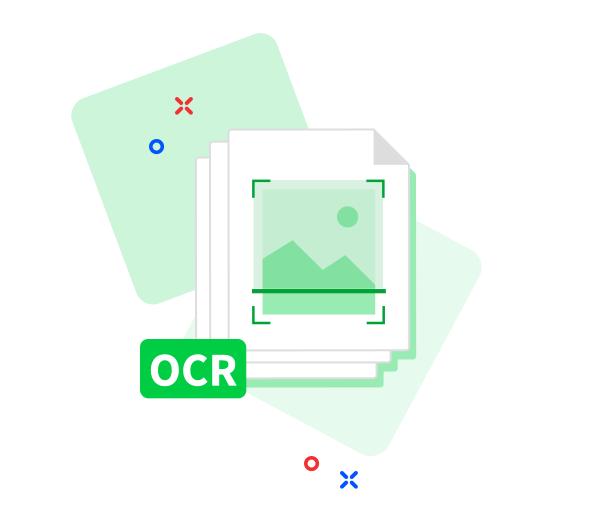
Supports scanned documents
Equipped with advanced OCR, upload PDFs containing scanned receipts, invoices, or images. We’ll extract the data and convert it into a structured Excel file with enterprise-grade performance and scale.
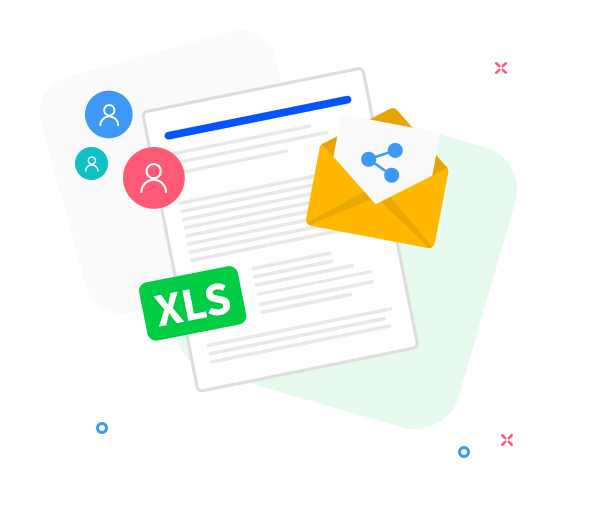
Better teamwork
Easily share your converted Excel files through secure, scalable links-built-in sharing options ideal for enterprise collaboration at scale.
PDF to Excel - Scalable, Accurate, and Fast
No download required. Upload your PDF and receive a high-performance Excel conversion within moments.
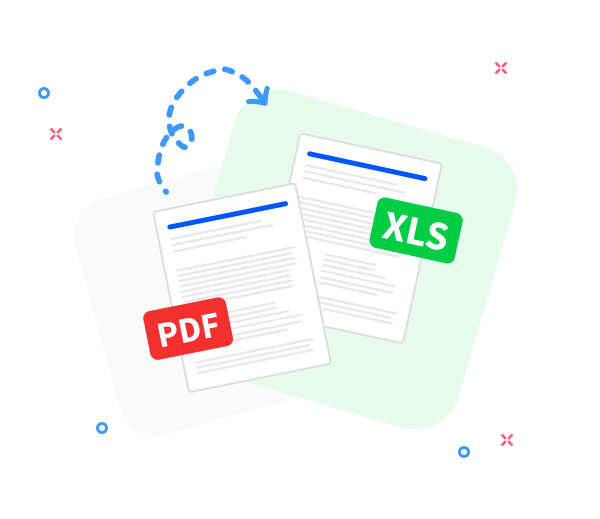
Accurate PDF to Excel conversion
Preserves original formatting at scale, delivering clean and reliable Excel output every time.
Convert PDFs from anywhere
Enterprise-grade reliability across devices-phones, tablets, and desktops-on all major operating systems, with reinforced security.
Convert multiple files at once
Submit single or batch PDFs for conversion. Our engine scales to handle large queues with speed and precision.
Your data stays private
Top-tier security protects your data; all files are securely erased immediately after processing, ensuring no residual footprint.
Secure conversion you can trust
End-to-end TLS encryption ensures every PDF to Excel conversion is protected and secure at scale.
Compliant with GDPR standards.
We uphold rigorous GDPR compliance to guarantee secure, scalable data handling during upload and conversion. Rely on our enterprise-grade, high-performance platform with unwavering confidence.
Frequently Asked Questions
Yes. This PDF to Excel converter is free to use online, designed for high-capacity, scalable workflows. You can convert PDF files into editable Excel spreadsheets without registration, watermarks, or software installation.
Big PDF Capabilities power our converter: it delivers precise extraction of tables, rows, and columns from large and complex PDFs into Excel while maintaining accuracy under heavy workloads. Optimized for structured, selectable text, it scales for enterprise-level processing with reliability and speed.
Enterprise-grade security safeguards every step: HTTPS encryption in transit and at rest, robust access controls, and automated privacy protections. Uploaded PDFs and converted Excel files are purged from our servers after a brief retention window to ensure privacy and data integrity.

Big PDF Capabilities: Guide to converting from PDF to Excel at scale
Leverage Big PDF Capabilities with a scalable, no-cost conversion in a few steps:
- Click to upload or drag & drop your PDFs directly into our Big PDF - to - Excel tool.
- Organize at scale-sort by name, purge redundant documents, and prep for bulk processing.
- Choose “Convert to Excel” to initiate a rapid, scale-ready conversion.
- Your Excel output will be ready in moments. Download instantly or share via a secure link - engineered for speed at scale.
 Remove pages




This file requires password
Ignore these files

wrong password
Some file(s) requires password
Damaged/Corrupted File
Cannot process corrupted or damaged files. For large-scale workflows, verify integrity with a trusted PDF reader. If the file cannot be opened, it is likely compromised. Restore the file and retry to preserve performance and reliability at scale.